Create a brand
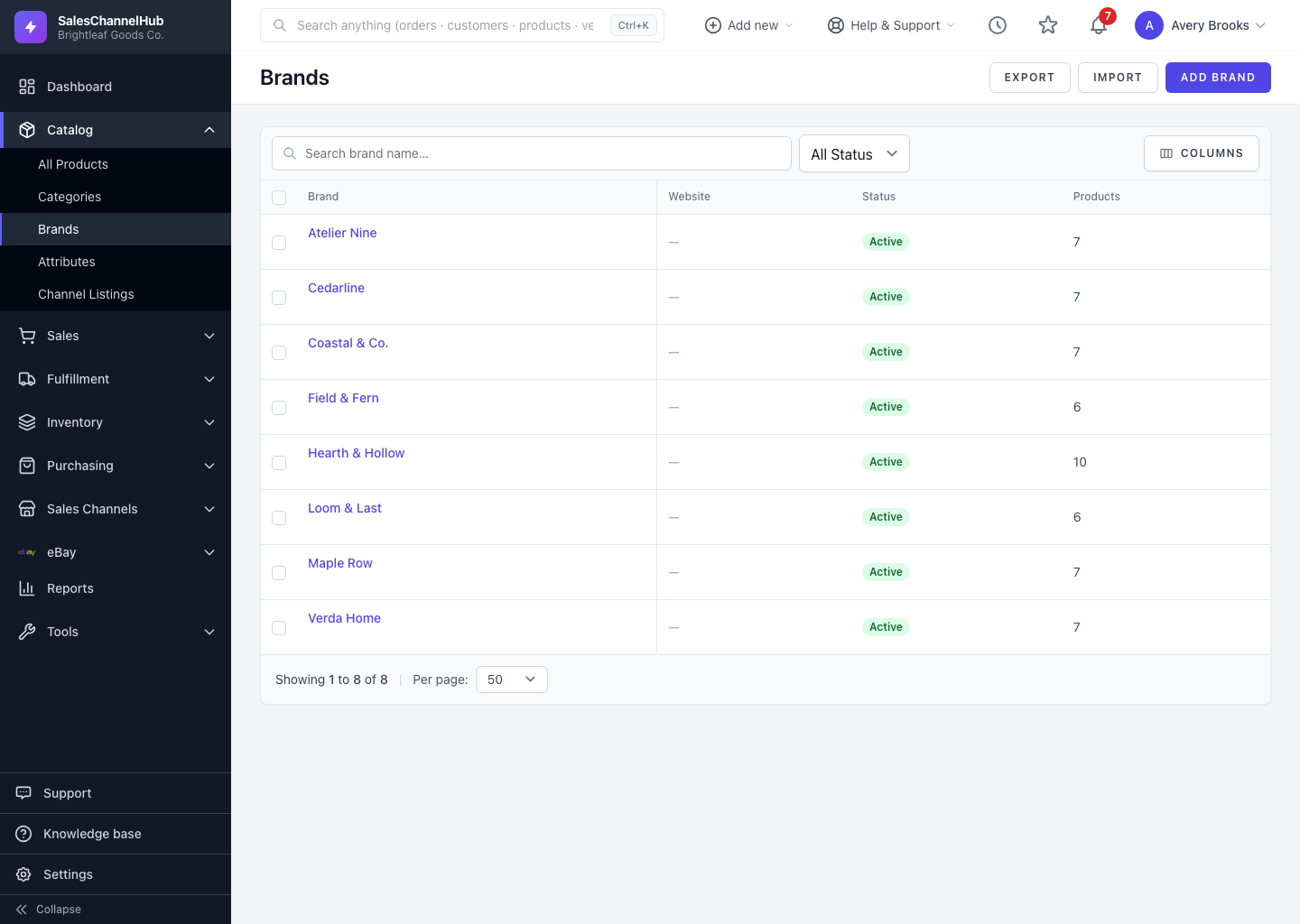
Go to Catalog → Brands → Add Brand to set a brand's name, logo, website, country of origin and status.
To add a brand, open Catalog > Brands and click Add Brand. Once it exists, you can tag products with their maker and reuse one logo and detail set everywhere that brand appears.
How do I add a brand?
- Click Add Brand on the Brands list.
- Enter the Brand Name (required) and an optional Description.
- Add the Website URL and upload a Logo (JPG, PNG, GIF, SVG or WEBP, max 5 MB).
- Set the Country of Origin as a two-letter code such as US, DE or JP. It's used for customs documents and channel push.
- Leave Active ticked, fill the SEO fields if you want them, then click Create Brand.
Tip. Country of Origin must be exactly two letters, the ISO code, not the full country name. United States won't save, but US will.
Common questions
What logo formats can I upload?
JPG, PNG, GIF, SVG or WEBP, up to 5 MB. The logo shows on the Brands list and travels with the brand when you push it to a sales channel.
Is a website or logo required?
No. Only the Brand Name is required. You can add the website, logo, country of origin and SEO fields now or later.
Was this article helpful?