Order statuses explained
What each order status means and the path an order follows from draft through to completed.
Every order carries an overall status that shows where it is in its life, and that status decides which actions are available. Here is what each one means.
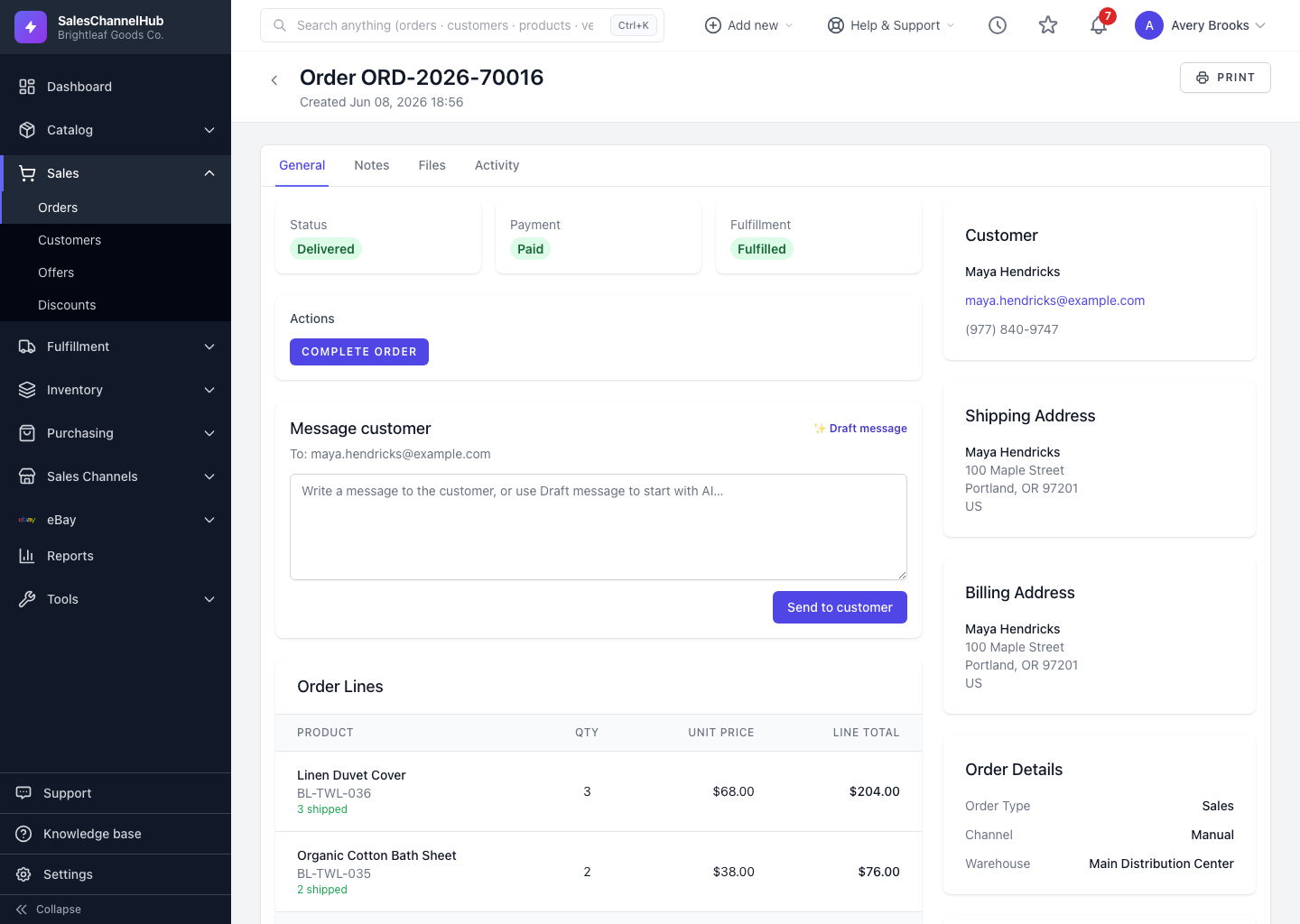
What does each status mean?
- Draft: a work in progress, not yet submitted. Drafts can be edited or deleted freely.
- Pending: submitted and awaiting confirmation.
- Confirmed: accepted and ready to be worked.
- Processing: being picked and packed; shipments can be raised from here.
- On Hold: paused; resume it to its earlier stage when you're ready.
- Shipped: the goods have left.
- Delivered: arrived with the customer.
- Completed: closed out and done.
- Cancelled: called off; this releases stock and voids any active shipments.
What is the usual path?
An order normally runs Draft → Pending → Confirmed → Processing → Shipped → Delivered → Completed. You can only move to a status the order's current state allows, so the Actions panel shows just the valid next steps.
Tip. Status is only one of three badges. Check Payment and Fulfillment separately to know whether an order is paid and how much of it has shipped.
Was this article helpful?