Browse your automation rules
Open Tools → Automation Rules to see every rule, whether it's on or off, and when it last ran.
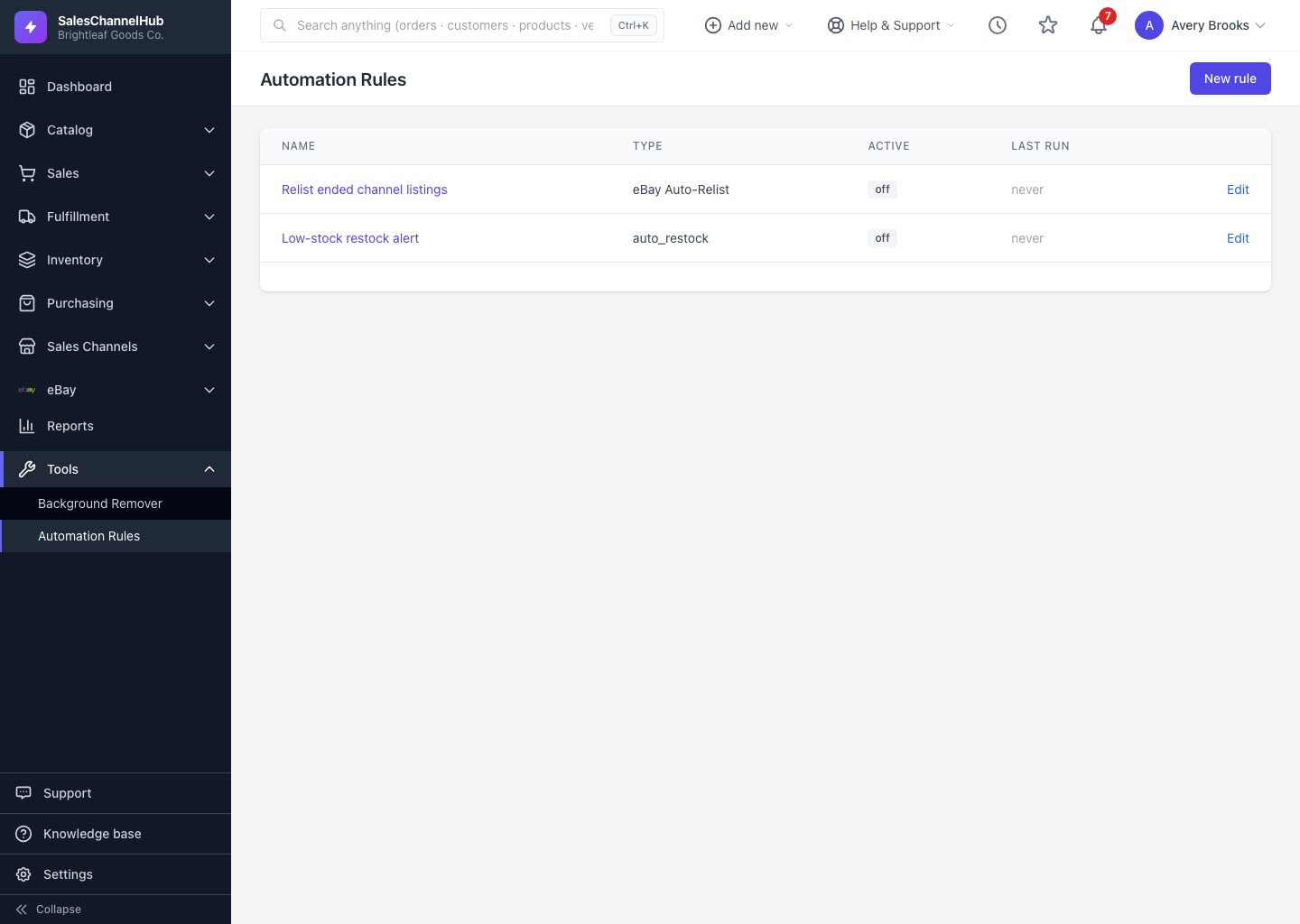
The Automation Rules list is home base. It shows every rule in your account with its status and last activity at a glance.
How do I read the list?
- Open Tools → Automation Rules from the sidebar.
- Name links to each rule's detail page. Click a name to see its full setup and run history.
- Type shows the friendly rule type, like Low Stock Alert.
- Active shows on (green) or off (grey) so you can tell what's live.
- Last run shows the latest status, how long ago it ran and how many candidates it matched, or never if it hasn't run yet.
- Use the Edit link on the right to change a rule.
Why don't I see any rules?
If your account has no rules yet, the page shows an Automate your store panel with a few featured templates instead. Pick one to launch it, or choose build from scratch to open the empty create form.
Tip. No New rule button or Edit link? Those depend on your automation permissions. Ask an admin to grant the create or edit permission for your role.
Was this article helpful?