Understand Reports & Analytics
Reports is a build-your-own query tool. Pick a record type, choose columns, filter and group, then save the result to run, export or email.
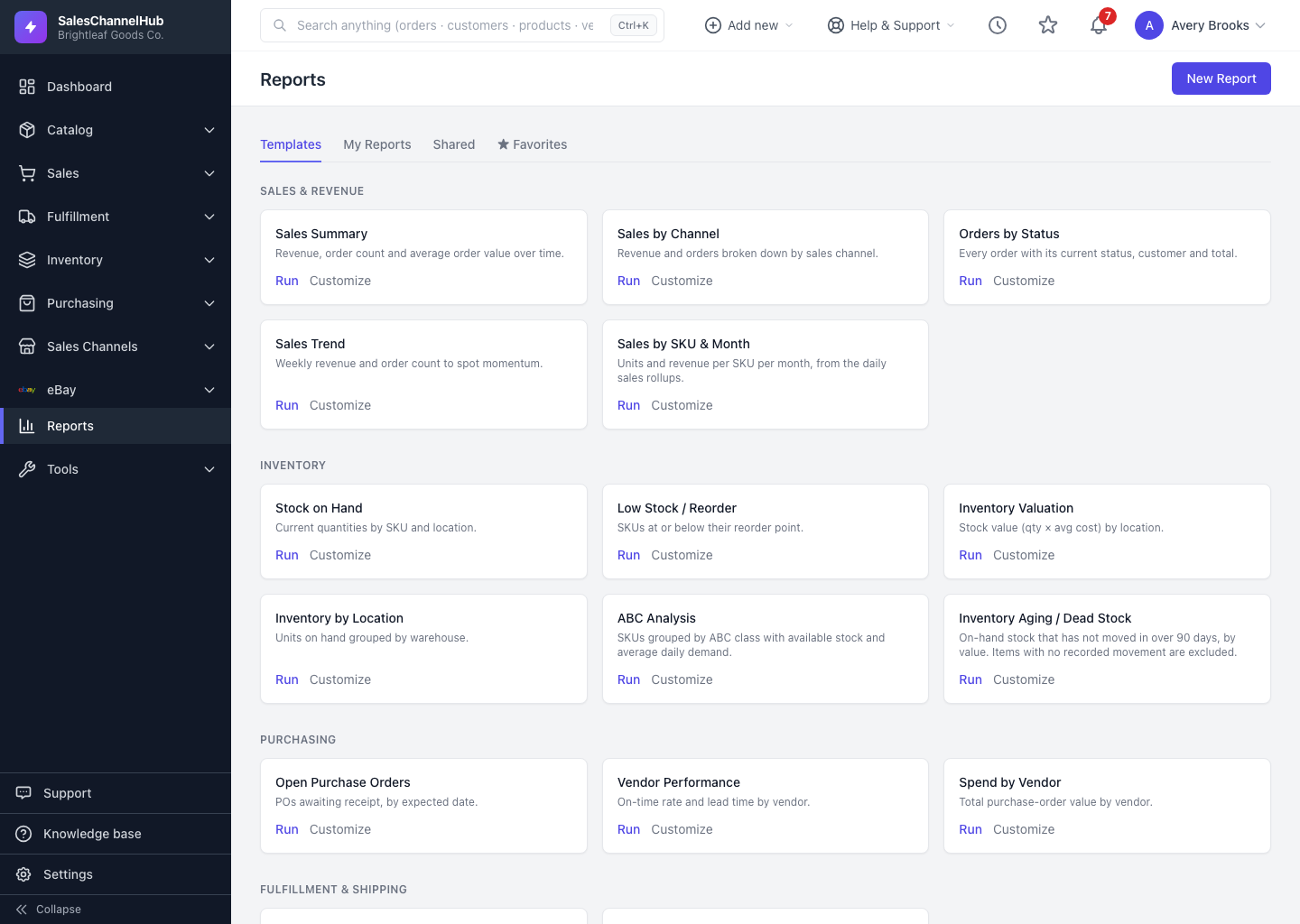
Reports & Analytics is a build-your-own query tool. You pick a record type such as Orders or Inventory, choose the columns you want, filter and group the rows, then save the result as a report you can run, export or email on a schedule. Open it from the Reports link in the sidebar.
How is the Report Builder put together?
- Templates — ready-made reports like Sales Summary, Top Products and Low Stock. Run one in a click or use it as a starting point.
- Saved reports — your own definitions, living under the My Reports, Shared and ★ Favorites tabs.
- Record type — the heart of every report. It decides which rows and fields you can use.
- Flat or summary — a report either lists individual records as a table, or groups them into totals as a summary with an optional chart.
Tip. New to the builder? Run a template that's close to what you need, then click Customize to make it your own instead of starting from a blank page.
Was this article helpful?