Pause or resume a campaign
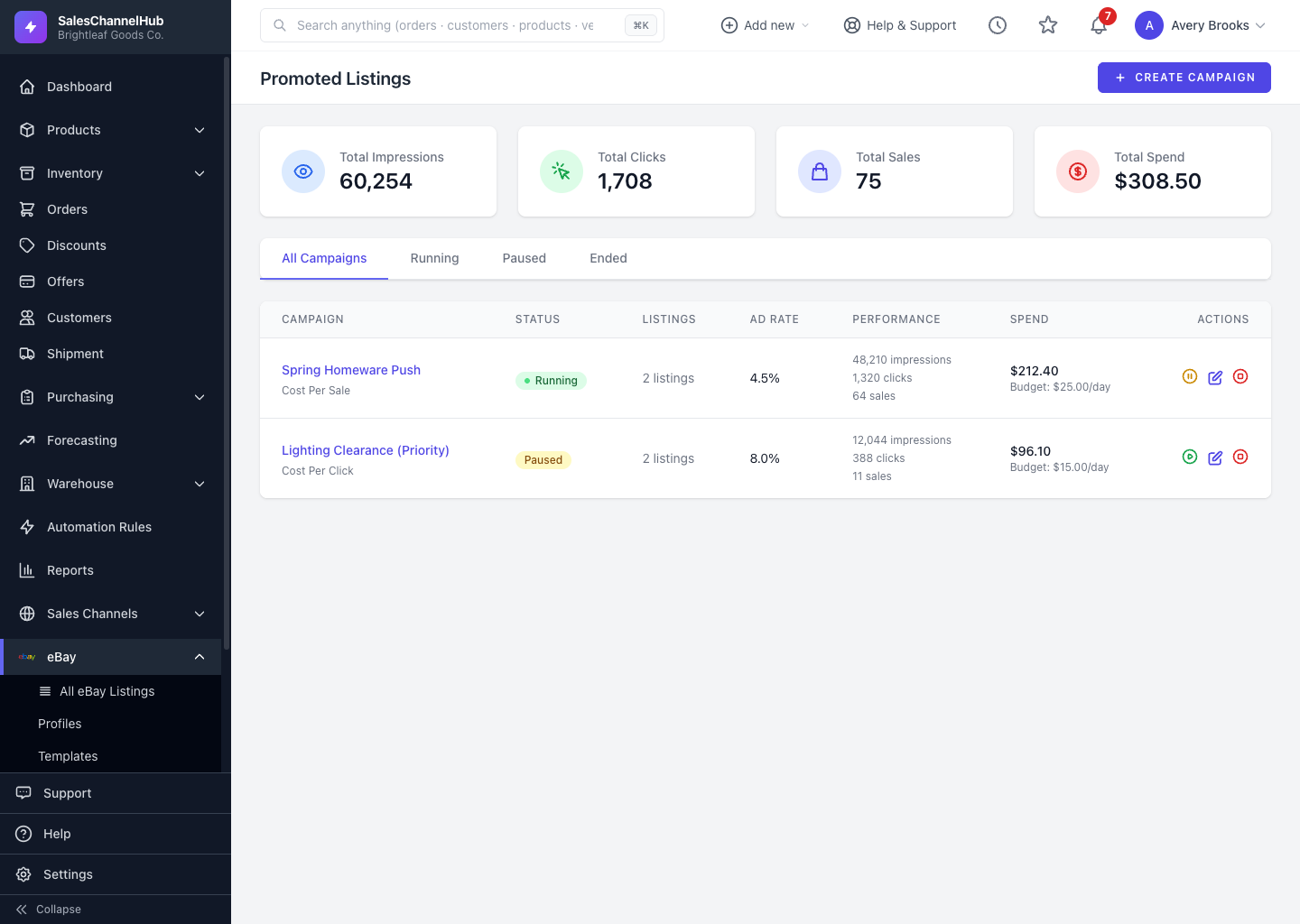
Click Pause on a running campaign to stop promoting without deleting it, and Resume to switch it back on.
Pausing a campaign stops it spending without deleting it, so you can switch promotion off during a stock shortage or quiet period and turn it back on later.
How do I pause or resume?
- Find the campaign on Promoted Listings, or open it.
- If it's running, click Pause. Its status switches to paused and the listings stop being promoted.
- To switch it back on, click Resume.
Tip. You can't delete a running campaign; pause or end it first. Pausing keeps its history and listings so you can pick up where you left off.
Was this article helpful?