Complete a goods receipt
Open the receipt, resolve any failed QC lines, then click Complete Receipt. Completing posts the stock and cost into inventory.
Completing a receipt is the final step that locks it down and confirms the goods into stock. You can only complete once no lines have failed QC.
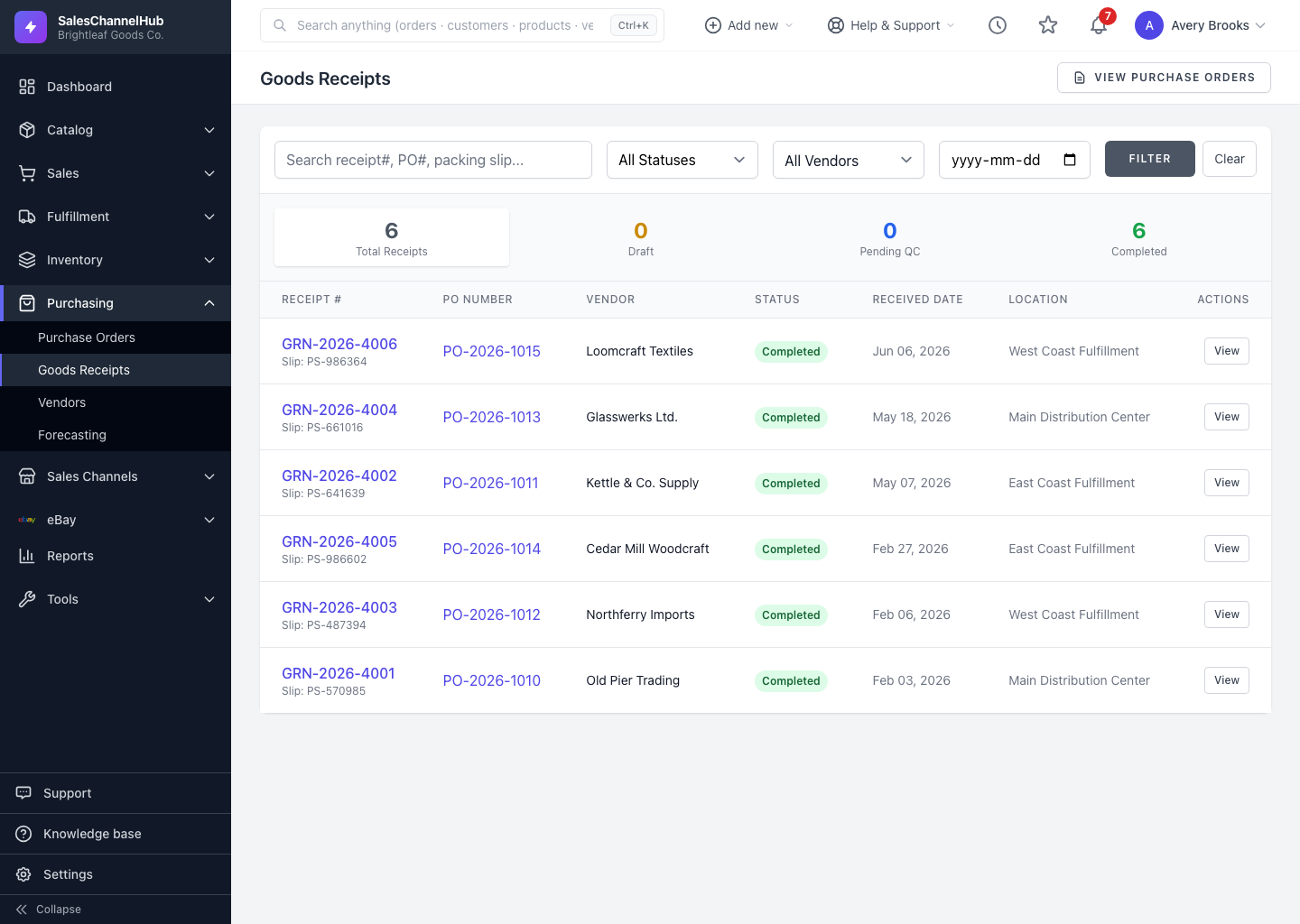
How do I complete a receipt?
- Open the goods receipt and resolve any lines marked Failed in QC.
- In the Actions panel, click Complete Receipt.
- The status changes to Completed and the timeline records when it finished.
Why is the Complete Receipt button disabled?
- If any line shows Failed QC, the button is disabled and a message explains why.
- Lines still Pending QC are flagged as a reminder, but don't block completion.
- A receipt that's already completed can't be completed again.
Tip. Completing posts the stock and its cost into inventory in one step, so make sure quantities and lot details are right before you finish.
Common questions
Why can't I complete a receipt?
A line has failed QC. The Complete Receipt button stays disabled while any line is Failed. Resolve or change that line's QC status, then complete.
Do pending QC lines stop me completing?
No. Pending lines are flagged as a reminder but don't block completion. Only a Failed line blocks it.
Can I reopen a completed receipt?
No. Once a receipt is completed it's locked. Get quantities, lot numbers and QC right before you complete it.