Export stock levels
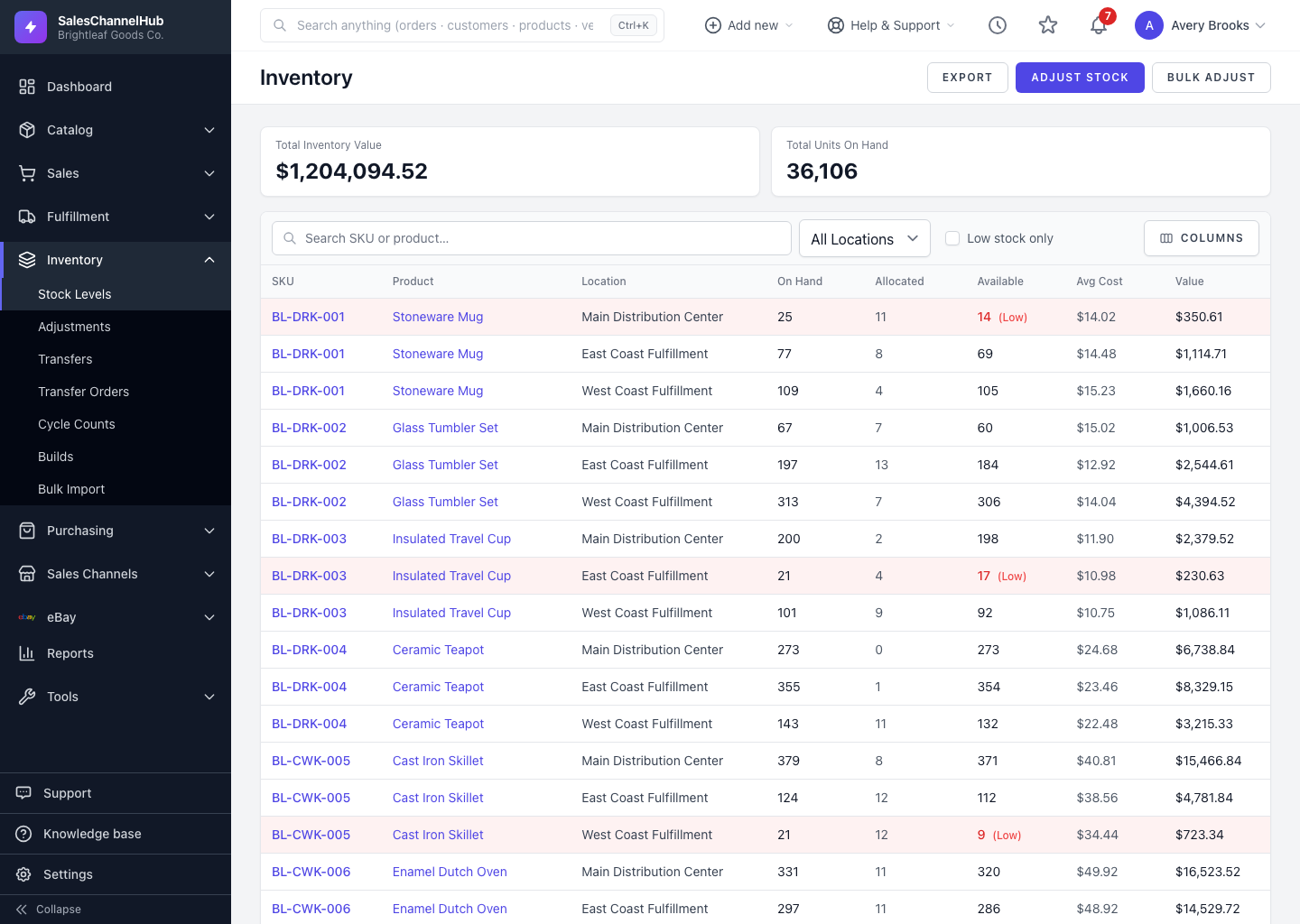
Click Export on the Stock Levels screen to download a CSV that respects your current filters, sorting and columns.
To download your current inventory as a CSV, click Export on the Stock Levels screen. The file respects your filters, so it's handy for a stocktake worksheet, a finance hand-off, or the starting point for a bulk adjustment.
How do I export?
- Apply any filters you want first: Search, Location, or Low stock only.
- Click Export in the top right.
- The download includes only the rows that match your current filters.
What's the export good for?
- Printing a count sheet for a physical stocktake.
- Sending finance a valuation snapshot.
- Editing the quantities and re-uploading through Bulk Adjust to push corrections back in.
Tip. The export and the bulk-adjust importer share the same column names, so an exported file is the cleanest template for round-tripping changes.
Was this article helpful?