Help & support: common questions
Quick answers to the questions people ask most about reaching support, tickets, statuses, attachments and replies.
Quick answers to the things people ask most about getting help. For step-by-step guides, see the articles above.
Tip. The fastest path to a fix is usually the ticket form's article suggestions. Type a specific subject and check what appears before you submit.
Common questions
How do I reach the support team?
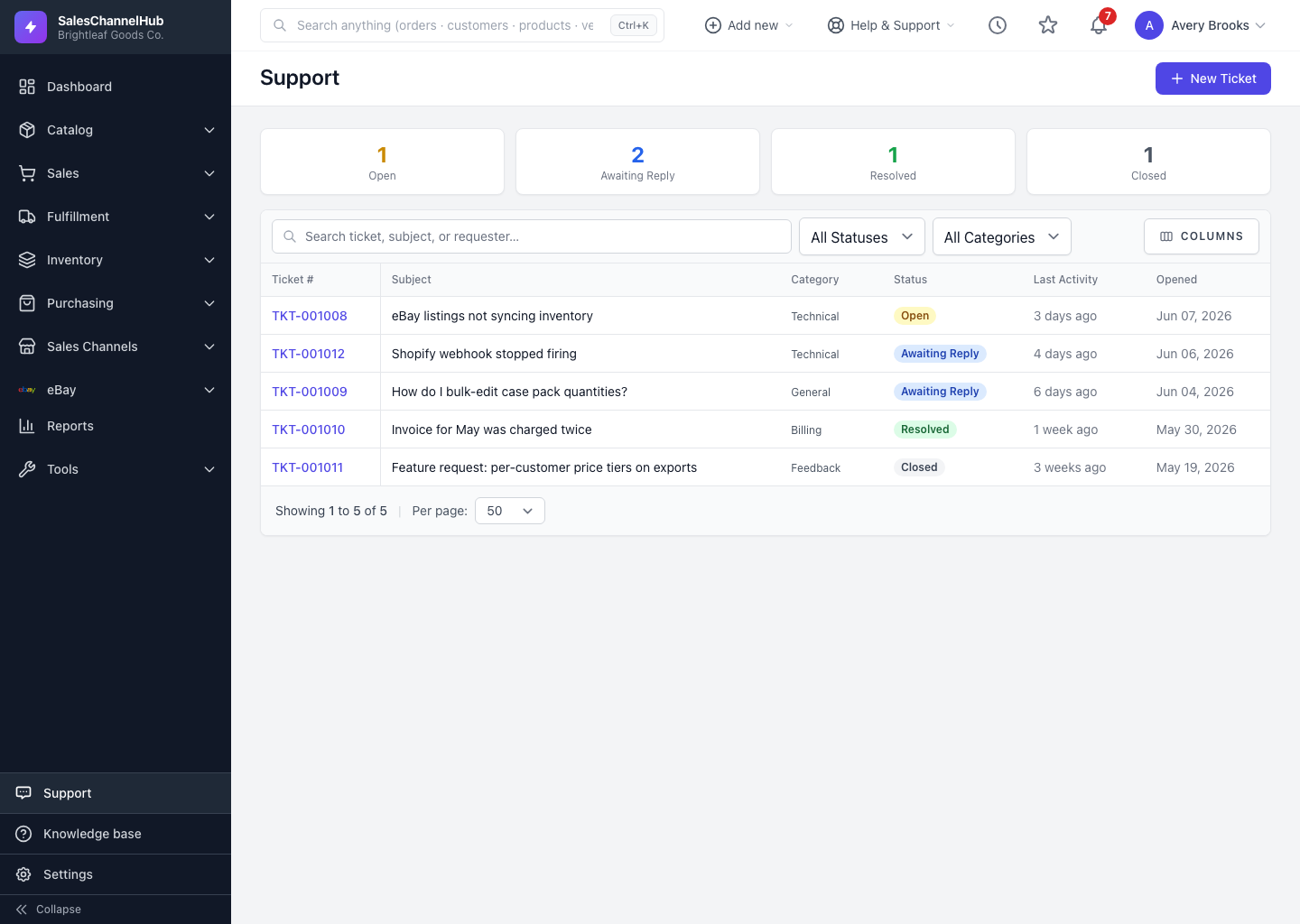
Open Support in the sidebar and click New Ticket. Fill in a subject, category and message, then click Submit Ticket. We email you when we reply.
What do the ticket statuses mean?
Open is waiting on us, Awaiting Reply is waiting on you, Resolved means we believe it's answered, and Closed means it's finished. Replying reopens a Resolved or Closed ticket.
Can I reply to a ticket by email?
Yes. Answer the notification email straight from your inbox and your reply attaches back to the same ticket. Keep the ticket reference in the subject line intact.
How many files can I attach, and how big?
Up to five files per message. The per-file size limit is shown beneath the Attachments field. To send more, add the rest in a follow-up reply.
Why don't I see the New Ticket button or other people's tickets?
Permissions. Opening tickets needs support.create; seeing everyone's tickets needs support.view_all. An owner or admin grants these under Settings → Roles & Permissions.
How do I download a file the team sent me?
Open the ticket, find the message carrying the file, and click the attachment link beneath the message text. Attachments stay on the ticket permanently.