Edit a category
Open a category from the list to rename it, change its description or status, or move it under a different parent.
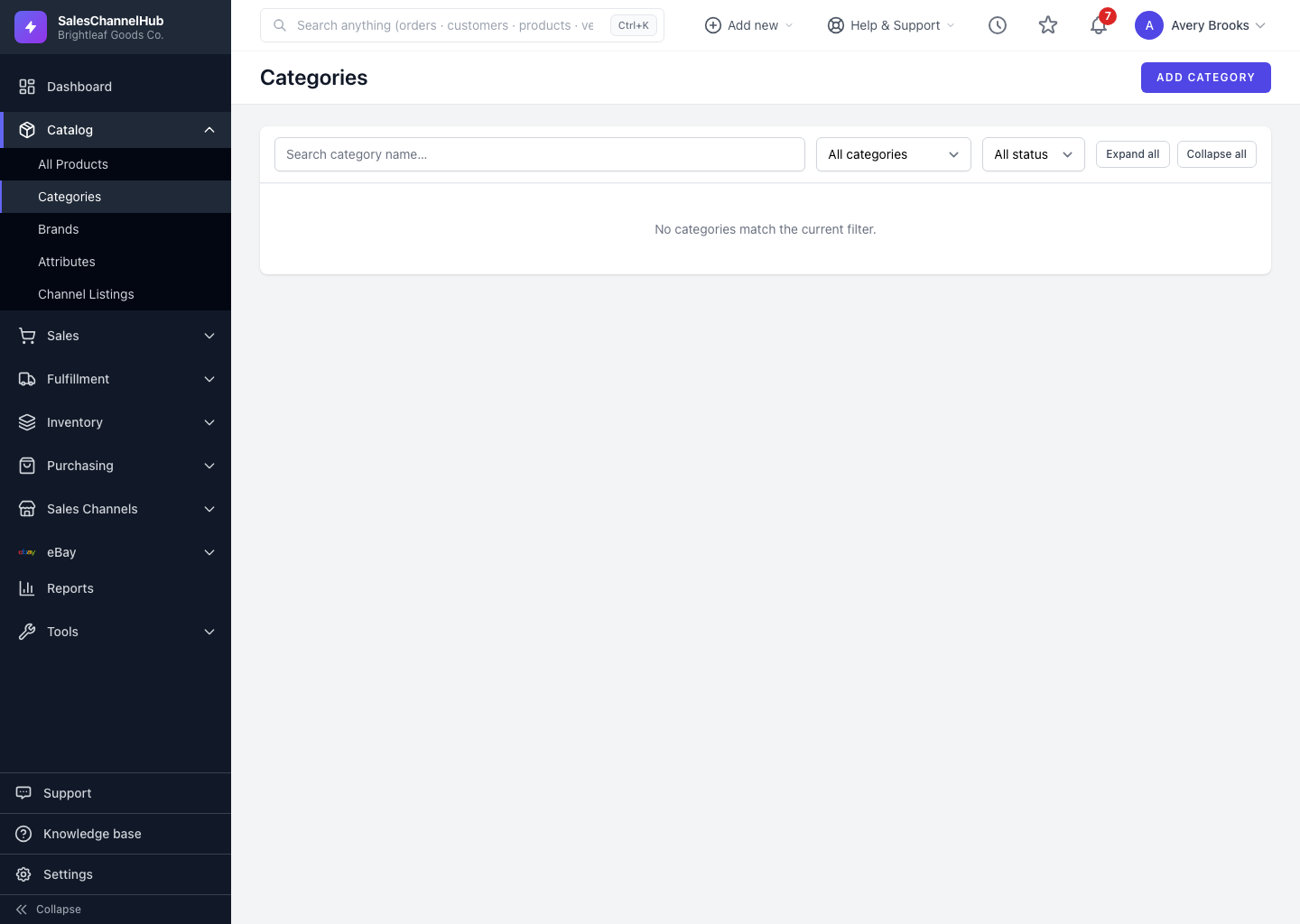
To change a category, click its name on the Categories list (or hover and click Edit). You can rename it, re-home it under a new parent, or toggle whether it's active.
How do I edit a category?
- Open the category from the Categories list.
- On the General tab, update the Category Name, Description, Sort Order or Active status.
- To move the branch, change the Parent Category. Its sub-categories follow automatically.
- Click Update Category.
Which category am I editing?
The Audit section on the General tab shows the slug, current product count and creation date, so you can confirm you have the right one. You can't pick the category itself or one of its descendants as the new parent.
Tip. Moving a parent moves everything under it. To split a branch instead, re-parent the specific sub-categories you want to relocate.
Was this article helpful?