Orders: common questions
Quick answers to the questions sellers ask most about orders: missing buttons, blocked deletes and import errors.
Most order surprises come down to an order's current state limiting what you can do. These are the questions that come up most often. For step-by-step guides, see the articles above.
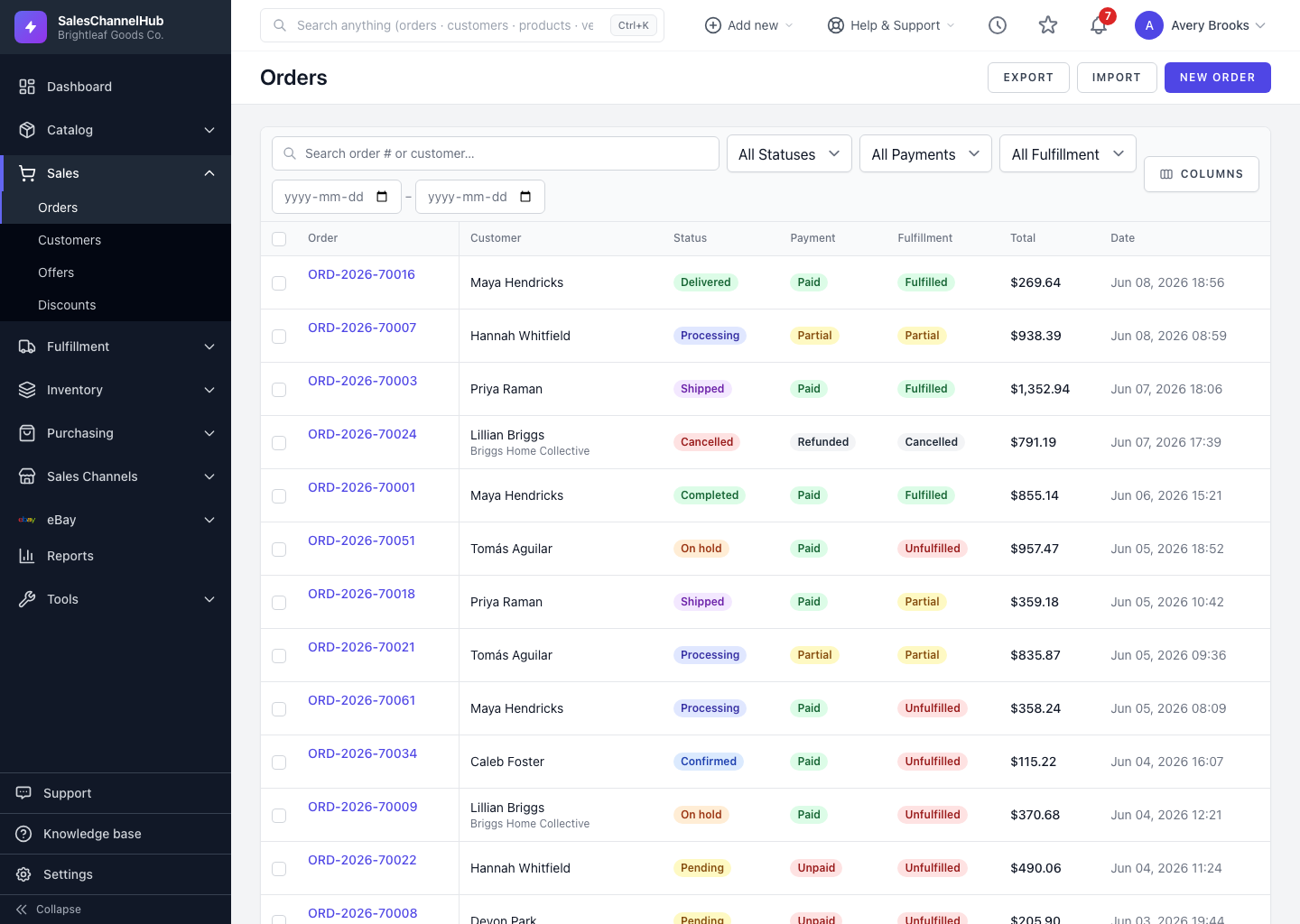
Tip. When an action you expect is missing, check the order's Status, Payment and Fulfillment badges first. They usually explain why.
Common questions
The Edit Order button is missing. Why?
The order has allocated or shipped items, so it's locked. Raise a return or an adjustment instead of editing.
Why can't I delete an order?
Only draft or cancelled orders with no shipments and no open returns can be deleted. Cancel it instead to keep the history intact.
A bulk action skipped some orders. What happened?
Bulk Cancel and On Hold only apply to orders whose current status allows the move. Ineligible ones are skipped and counted in the summary.
Why isn't Create Shipment showing?
The order must be in Processing first. Use Start Processing in the Actions panel, then the button appears.
My import rejected rows. Why?
Order Number must be unique, and line rows need a matching Order Number, a real SKU Code and a quantity of at least 1. Keep Skip rows with errors ticked to import the good rows and see what failed.
The tax field is read-only on the order form. Why?
Avalara is set to calculate tax automatically. Turn that off under Integrations to enter tax by hand.