Copy an existing product
To reuse a product's details, export it to CSV, give the copy a new SKU and name, then import it back as a new record.
To create a product that's almost identical to an existing one, export it, tweak the copy, and import it back as a new record. There's no one-click duplicate, so the CSV round-trip is the route.
How do I copy a product?
- On the Products list, filter to the product you want to copy, then click Export to download a CSV of the current view.
- Open the CSV, copy the row, and give the copy a new unique SKU and Name.
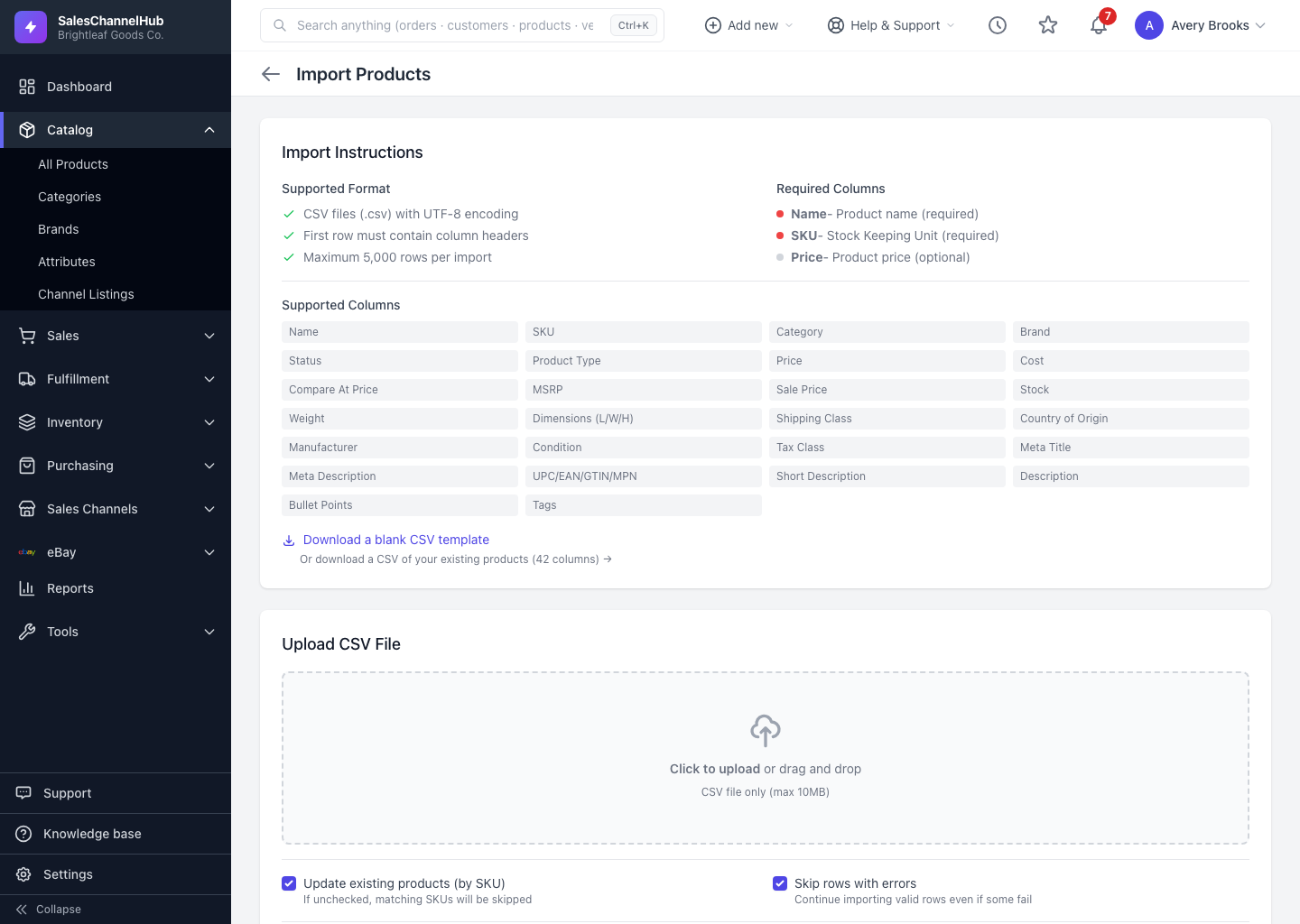
- Save the file and go to Products → Import.
- Upload the file and run the import to create the new product.
- Open the new product to add its own images, which don't carry over in CSV.
Tip. Always change the SKU on the copied row. An import that matches an existing SKU updates that product instead of creating a new one.
Was this article helpful?