Mark a shipment shipped
Use Shipment Actions → Mark As Shipped to record an order shipped with optional tracking when you used your own postage.
Sometimes you ship outside the system, with your own postage, a courier pickup or a freight carrier. Mark As Shipped records the order as shipped and lets you attach a tracking number by hand.
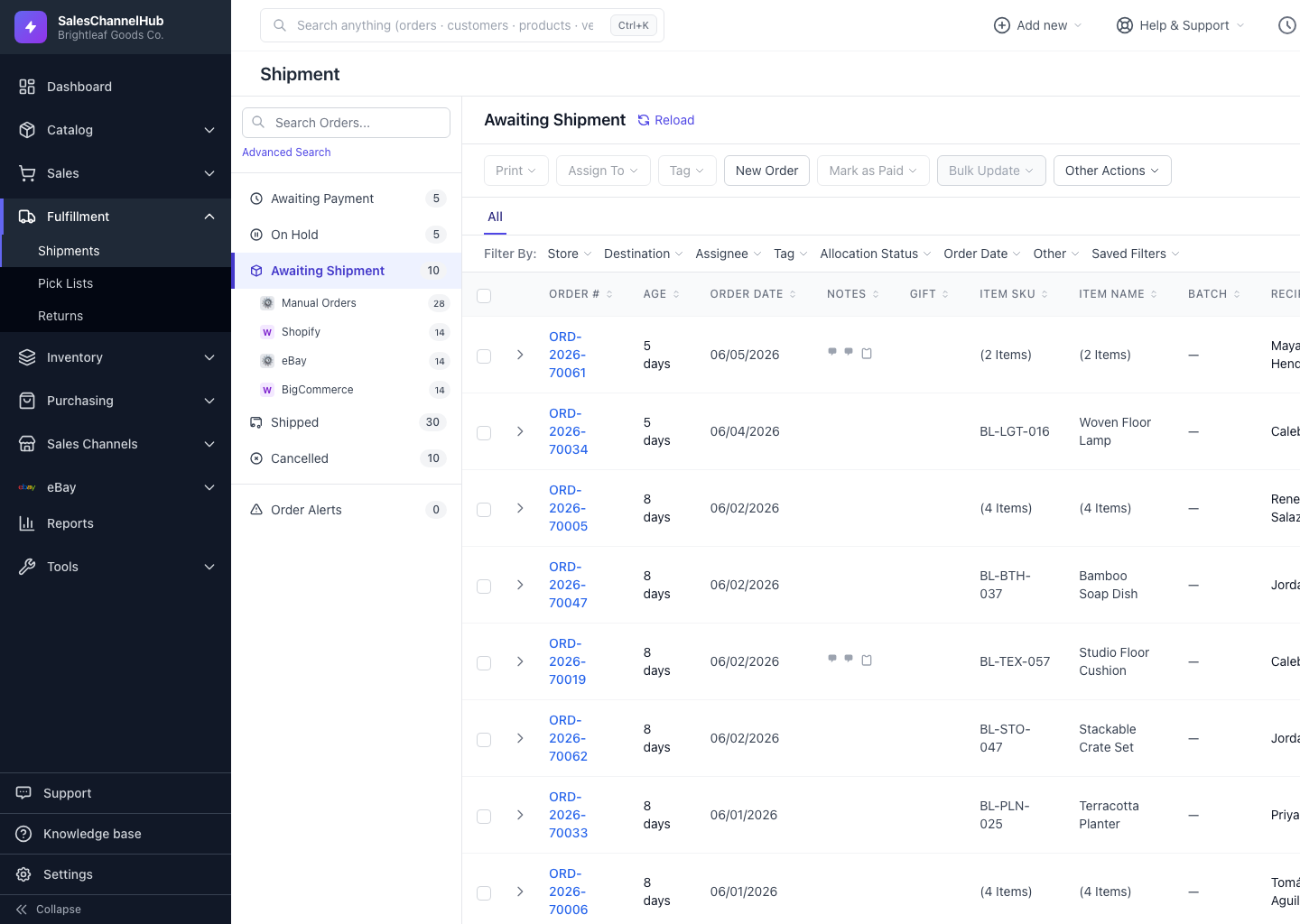
How do I mark an order shipped?
- Open a paid order that doesn't have a purchased label.
- Open Shipment Actions and click Mark As Shipped.
- Enter a tracking number if you have one, then confirm.
Does the marketplace get told?
The order moves to the Shipped bucket. If the channel is connected, your Do not notify marketplace setting controls whether the store is updated.
Tip. To shipped-mark many orders at once, select them and use Other Actions → Mark As Shipped Bulk instead.
Was this article helpful?