Getting started: common questions
Quick answers to the questions new users ask most about the dashboard, search, access and setup.
New to SalesChannelHub? These are the questions people ask most in their first few sessions, answered the way the app actually behaves.
Tip. If a page or button you read about here isn't visible to you, it's almost always your role hiding it. Ask an owner or admin to adjust your role under Settings → Roles & Permissions.
Common questions
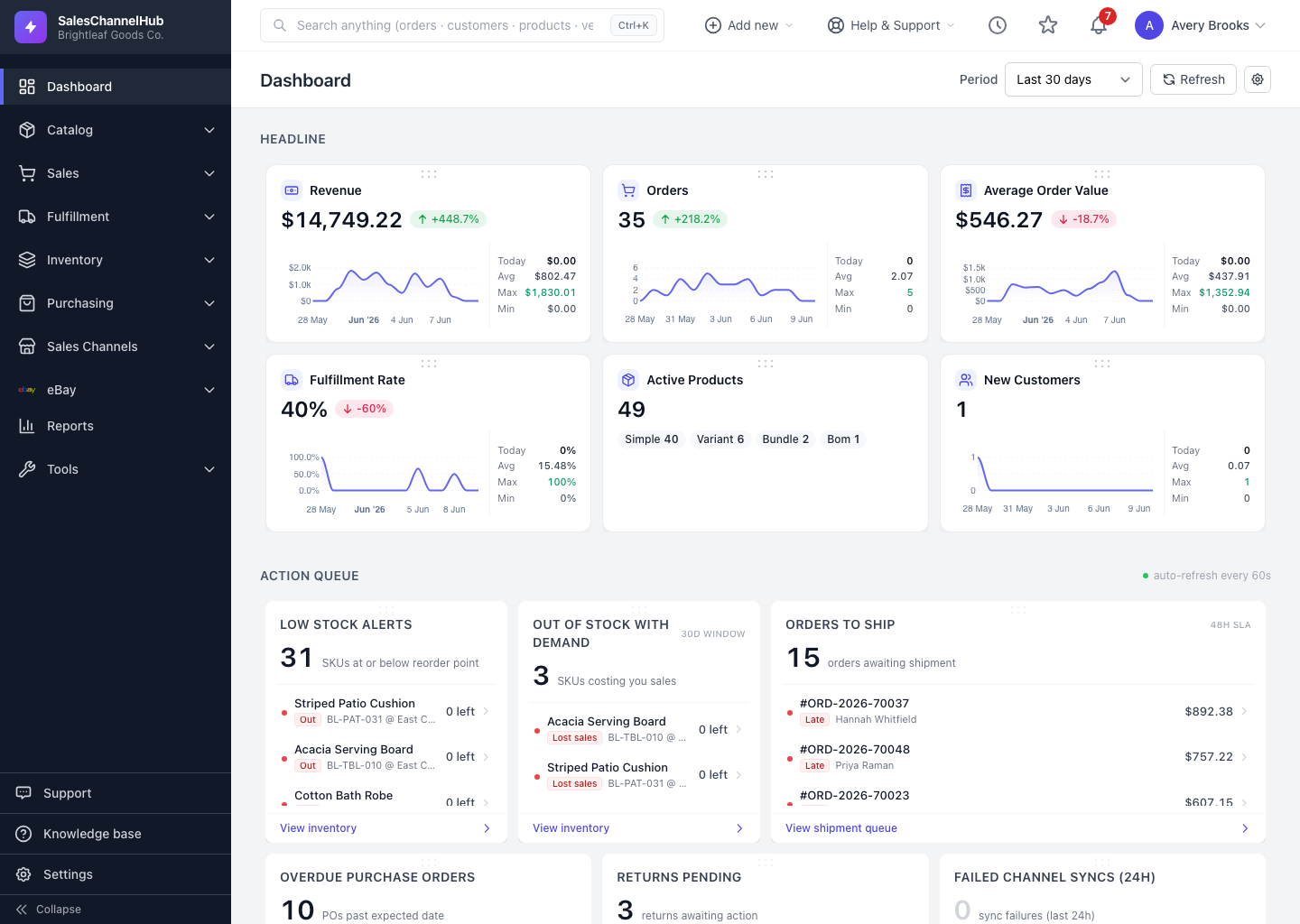
A dashboard card shows a dash (—). Why?
There's no data for that metric in the selected period. Widen the period, or check that the underlying records exist.
The dashboard numbers look stale. How do I refresh them?
Click Refresh next to the period selector. Only action-queue widgets auto-refresh, and only if you turn that on in dashboard settings.
Why do I see fewer widgets or menu items than a colleague?
Your role hides anything you don't have permission for. Ask an owner or admin to adjust your role under Settings → Roles & Permissions.
Global search returns nothing. What should I try?
Type at least two characters and use an exact value such as an order number, customer name, SKU or PO number.
A teammate can't log in. What do I check?
Make sure their user is marked Active under Settings → User Management. Inactive users can't sign in.
The Add new menu is empty. Why?
Your role has no create permissions. An owner or admin can grant them under Settings → Roles & Permissions.