Understand sales channels and integrations
Connecting a sales channel lets orders, inventory, products and customers sync between SalesChannelHub and the channel automatically.
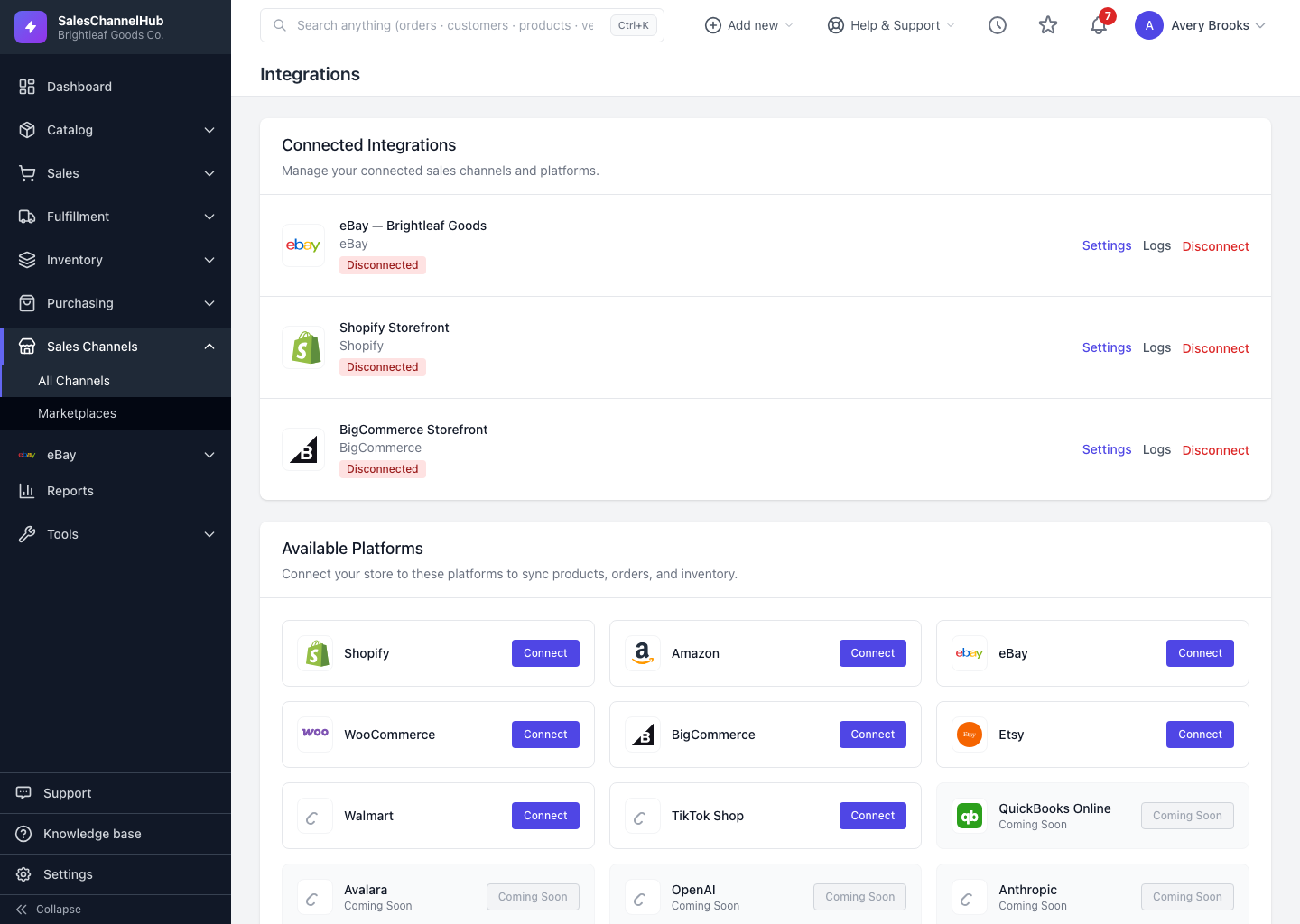
Connecting a sales channel links SalesChannelHub to the store or marketplace where you sell, so you run everything from one place instead of logging into each channel. Once connected, the two systems sync: orders flow in, stock flows out, and products and customers can move in either direction.
What does syncing actually do?
- Orders are pulled from the channel so you pick, pack and ship from one queue.
- Inventory is pushed back as stock changes, so you don't oversell.
- Products can be pushed (publish from here) or pulled (import what's already listed).
- Customers can be imported so your records stay complete.
- Fulfilments — once an order ships, tracking is sent back to the channel.
Which channels are supported?
Shopify, Amazon, eBay, WooCommerce, BigCommerce, Etsy, Walmart and TikTok Shop for selling, plus QuickBooks Online for accounting and Avalara for tax. You'll find them all in the sidebar under Sales Channels → All Channels.
Tip. You decide which direction each thing syncs. A safe start is to pull orders and push inventory, then turn on product sync once you've checked how items map across.