Stay on top of notifications
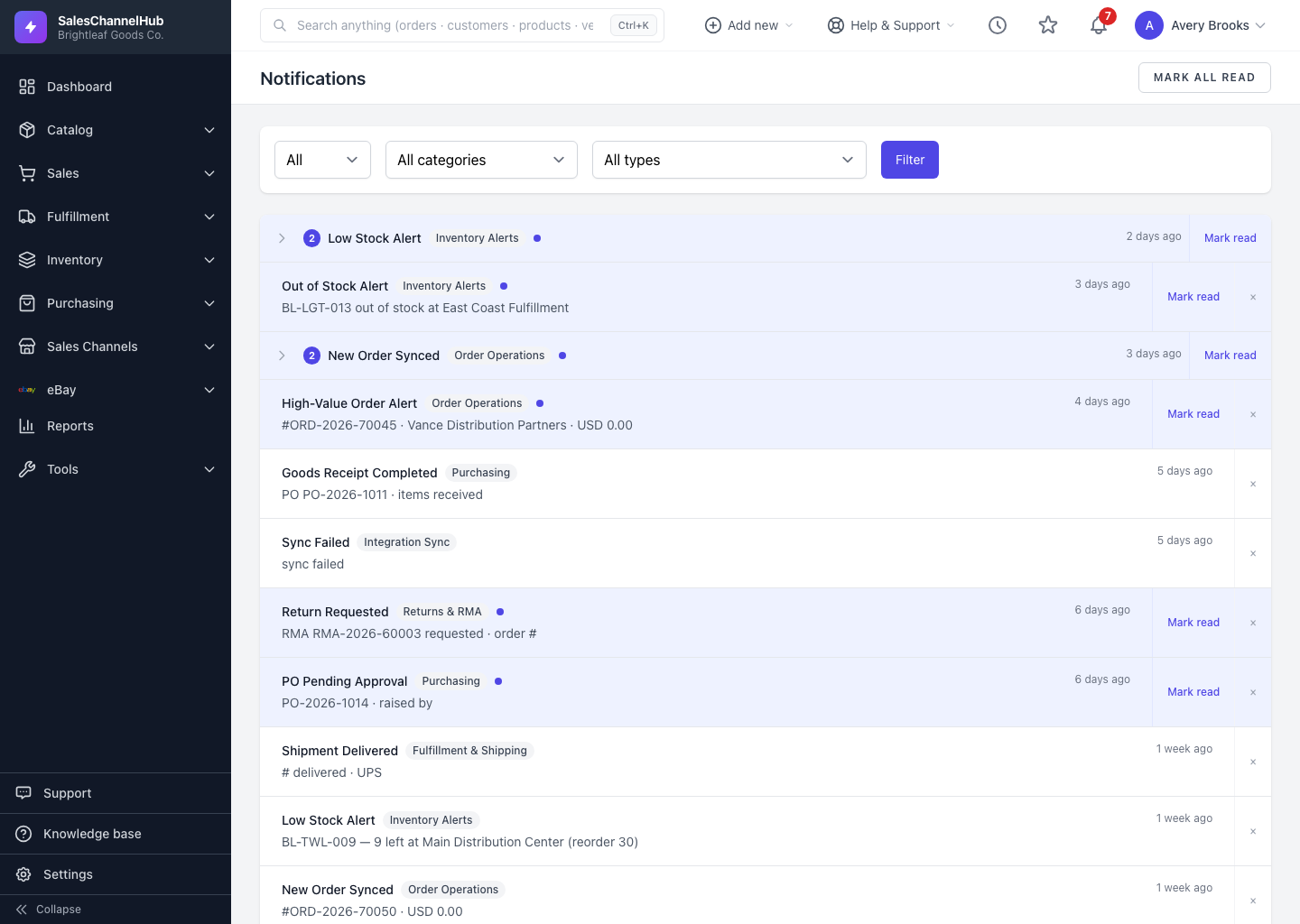
The bell in the top bar shows what's new across the app; a red badge counts unread notifications.
The bell in the top bar keeps you informed about things that happen across the app, like sync issues or records that need attention. A red badge counts the unread ones.
How do I use notifications?
- Click the bell in the top bar to open the recent notifications panel.
- Click a notification to open the related record; it's marked read as you go.
- Use Mark all read to clear the unread badge at once.
- Open the full Notifications page to browse the complete history.
Tip. Choose which notifications you get, and how, under Settings → Notification Preferences, so the bell surfaces only what matters to you.
Was this article helpful?