Resolve a return: refund, restock or replace
Close out a received return with a refund, exchange, store credit, repair or reject, and restock good stock to a location.
Resolving a return is the final decision: what the customer gets and what happens to the goods. You can resolve the whole return at once, or process each line individually.
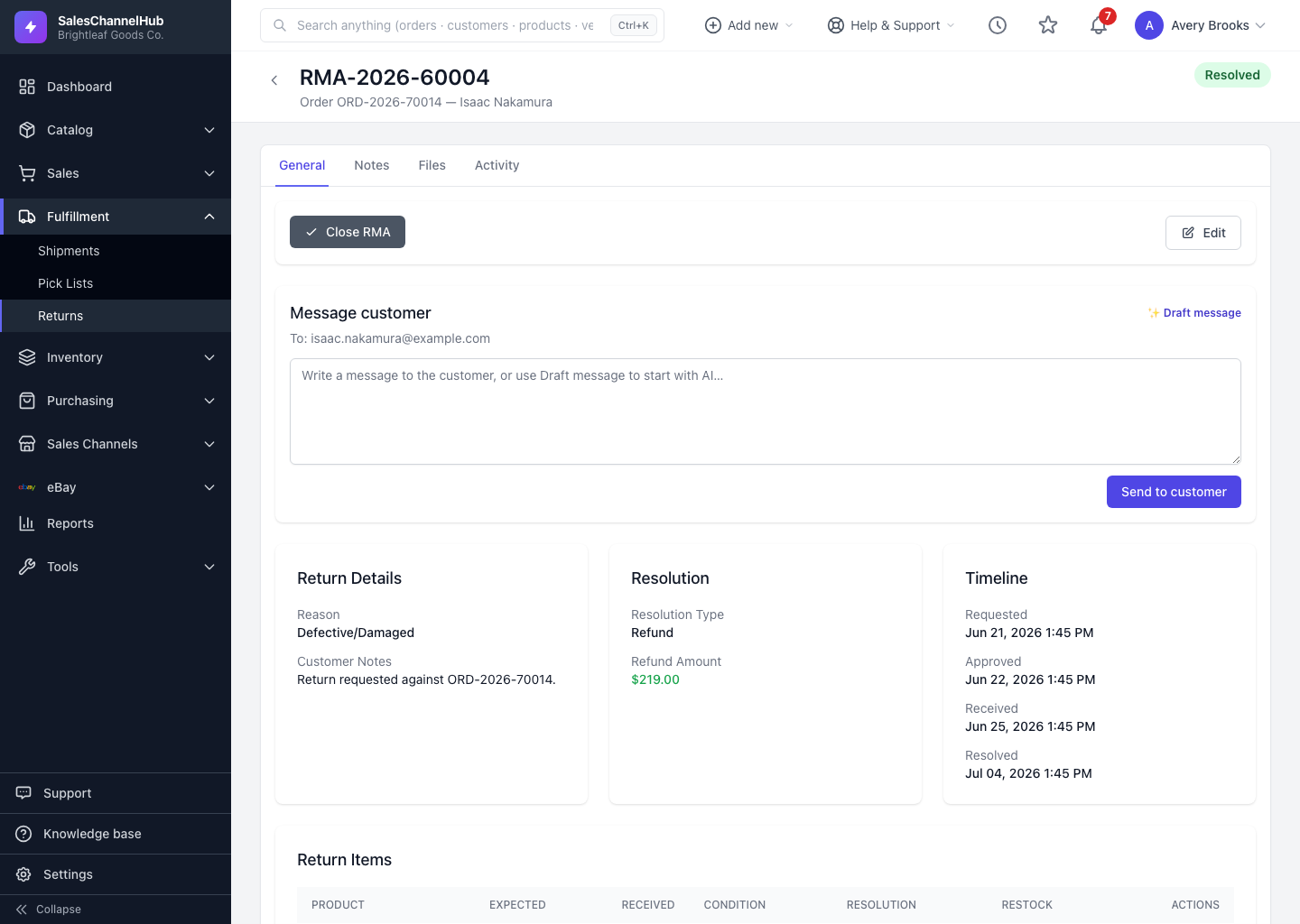
How do I resolve the whole return?
- On a received or inspecting RMA, find the Resolve Return section.
- Choose a Resolution Type: Refund, Exchange, Store Credit, Repair or Reject.
- Enter a Refund Amount if applicable and add notes.
- Click Resolve Return.
How do I process a single line?
- On a line, click Process.
- Set the Resolution, pick a Restock Location to put good stock back (or leave it as “Don't Restock”), and enter any refund.
- Click Process.
Tip. A refund can't exceed what the customer originally paid for those lines. The field is capped at the order total automatically.
Common questions
Does resolving a return restock the items automatically?
Only when you choose a Restock Location while processing a line. Leave it as “Don't Restock” for items you don't want back on the shelf.
Can I refund more than the customer paid?
No. The refund amount is capped at the original line total, so you can't refund beyond what was paid for the returned items.
What's the difference between resolving the whole return and a single line?
Resolving the whole return applies one resolution to the RMA. Processing a line lets you set a different resolution, refund and restock location per item.