Understand notifications and logs
Three records keep you informed: the notification bell for alerts, Activity Logs for who changed what, and Email Logs for what was sent.
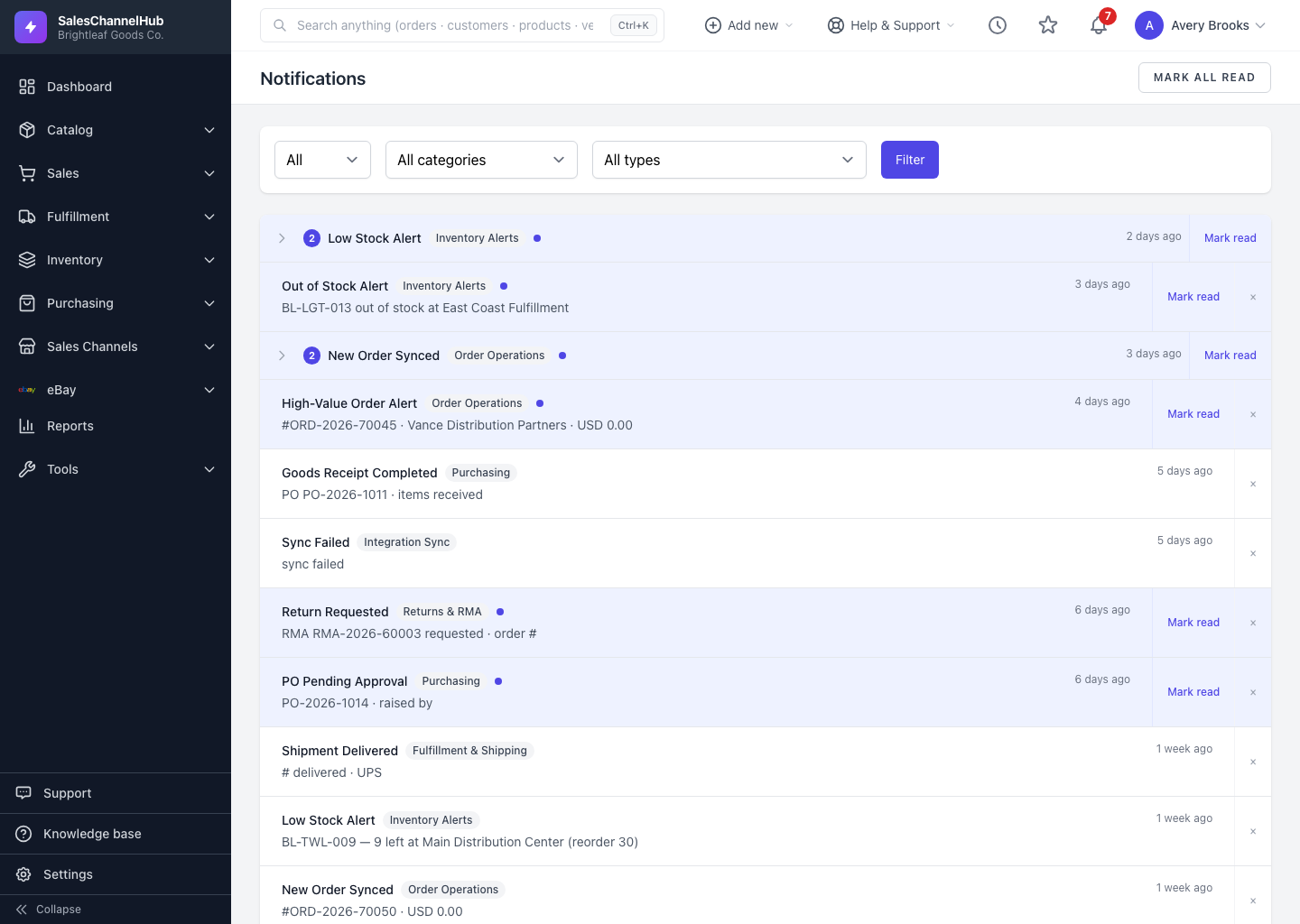
SalesChannelHub keeps three separate records of what happens in your account, and each answers a different question. The notification bell shows alerts meant for you, Activity Logs hold the history of who changed what, and Email Logs record every message the system sent.
Which one do I reach for?
- The notification bell (top right of every page) is your personal inbox of alerts: a low-stock warning, an order on hold, a purchase order waiting on your approval. Click it for recent ones, or open the full Notifications page.
- Activity Logs under Settings are the audit trail. A searchable history of every meaningful change, who made it, and when: products edited, orders cancelled, users invited, settings updated.
- Email Logs under Settings record every outbound email the system tried to send, its delivery status, and the actual message body, so you can confirm something went out or find out why it didn't.
Tip. A quick rule: the bell tells you what needs attention now, Activity Logs tell you what happened, and Email Logs tell you what was sent.
Was this article helpful?